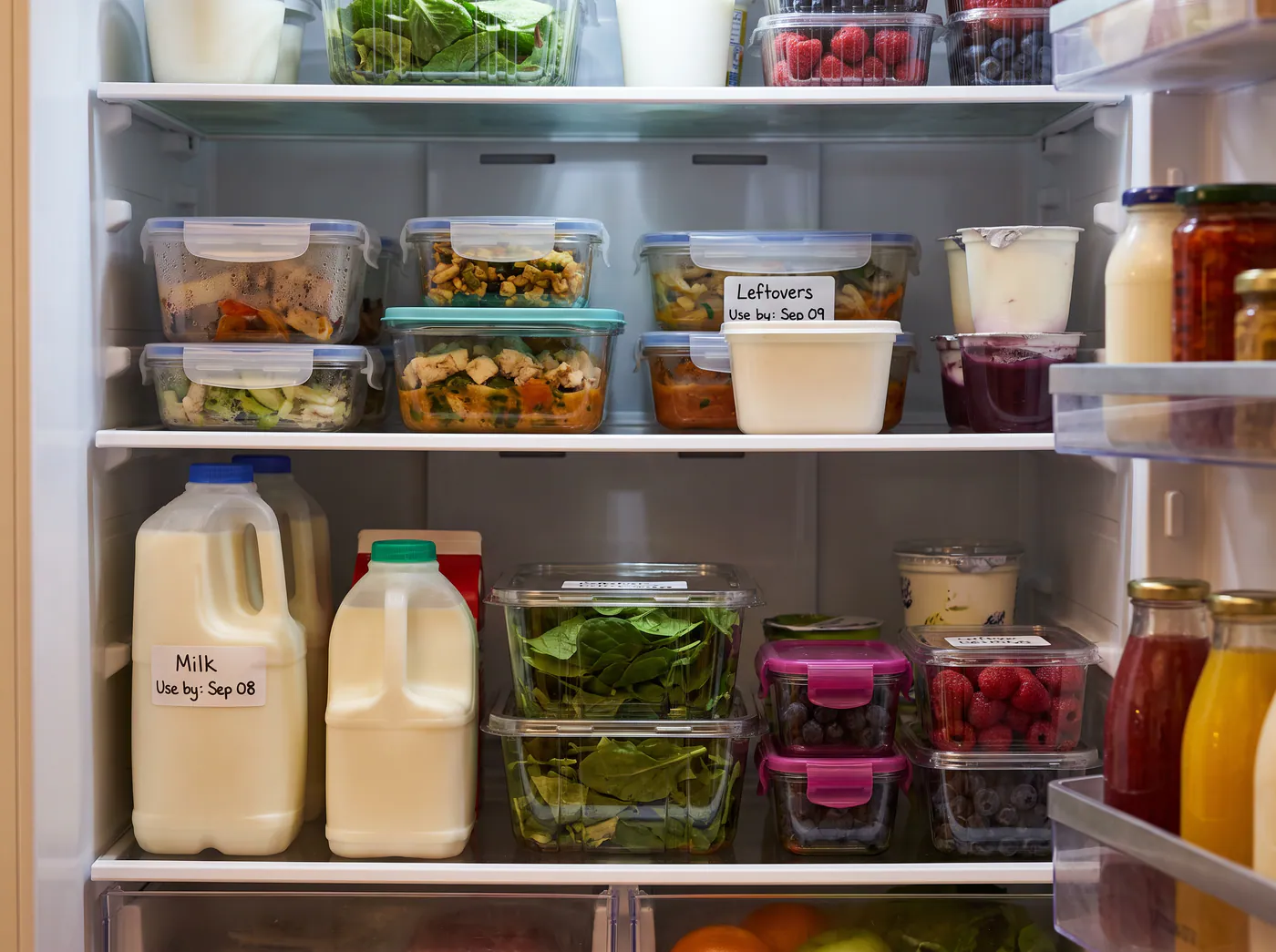
Handwritten labels are useful—but usually only after you find the container and read the label.
In development · Coming soon
Use what you have—before it’s too late.
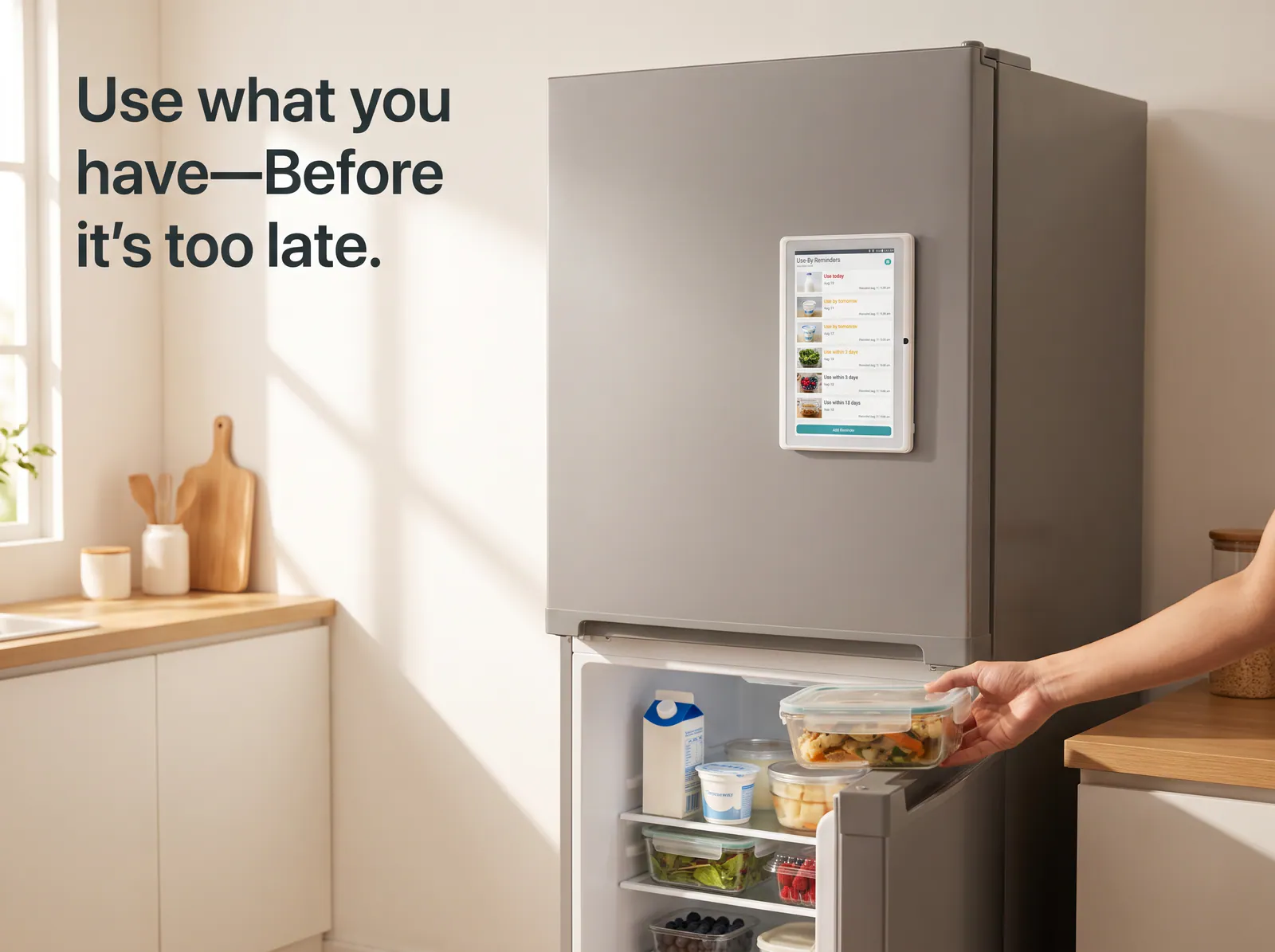
Yorastin Use-By Reminder is a dedicated, offline display for the dates you choose. Snap a photo, tap a date, and keep what needs using next where everyone can see it—on the refrigerator door or kitchen counter.
No app. No typing. No Wi-Fi. No cloud.
Add the optional thermal printer when you also want a physical label on the item itself.

I once bought bread and desserts I genuinely loved. I put what was left back in a crowded refrigerator, planning to finish it the next day.
Then other food went in front of it. I stopped seeing it—and stopped remembering it was there.
By the time I found it again, a week had passed. I no longer felt comfortable eating it, so into the bin it went.
The same thing kept happening with milk, yogurt, leftovers, and food I had opened but not finished. The date was somewhere on the package. The food was somewhere in the refrigerator. What was missing was a reminder in the place and moment where I could actually act on it.
Handwritten labels are useful—but usually only after you find the container and read the label.
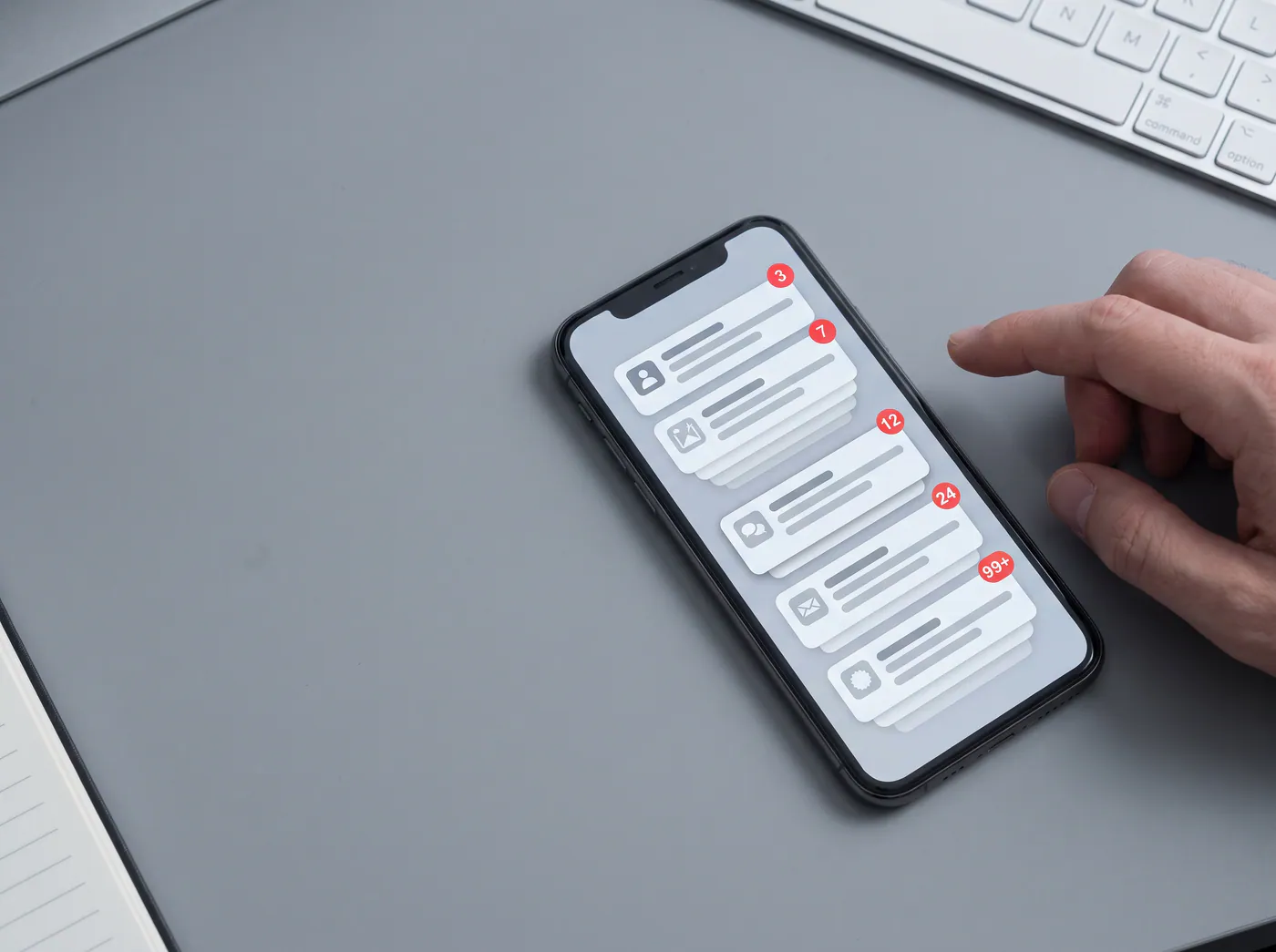
Phone reminders can work too—but recording several items often means typing them one by one, and the alert may arrive while you are working, commuting, or doing anything except standing in front of the refrigerator.
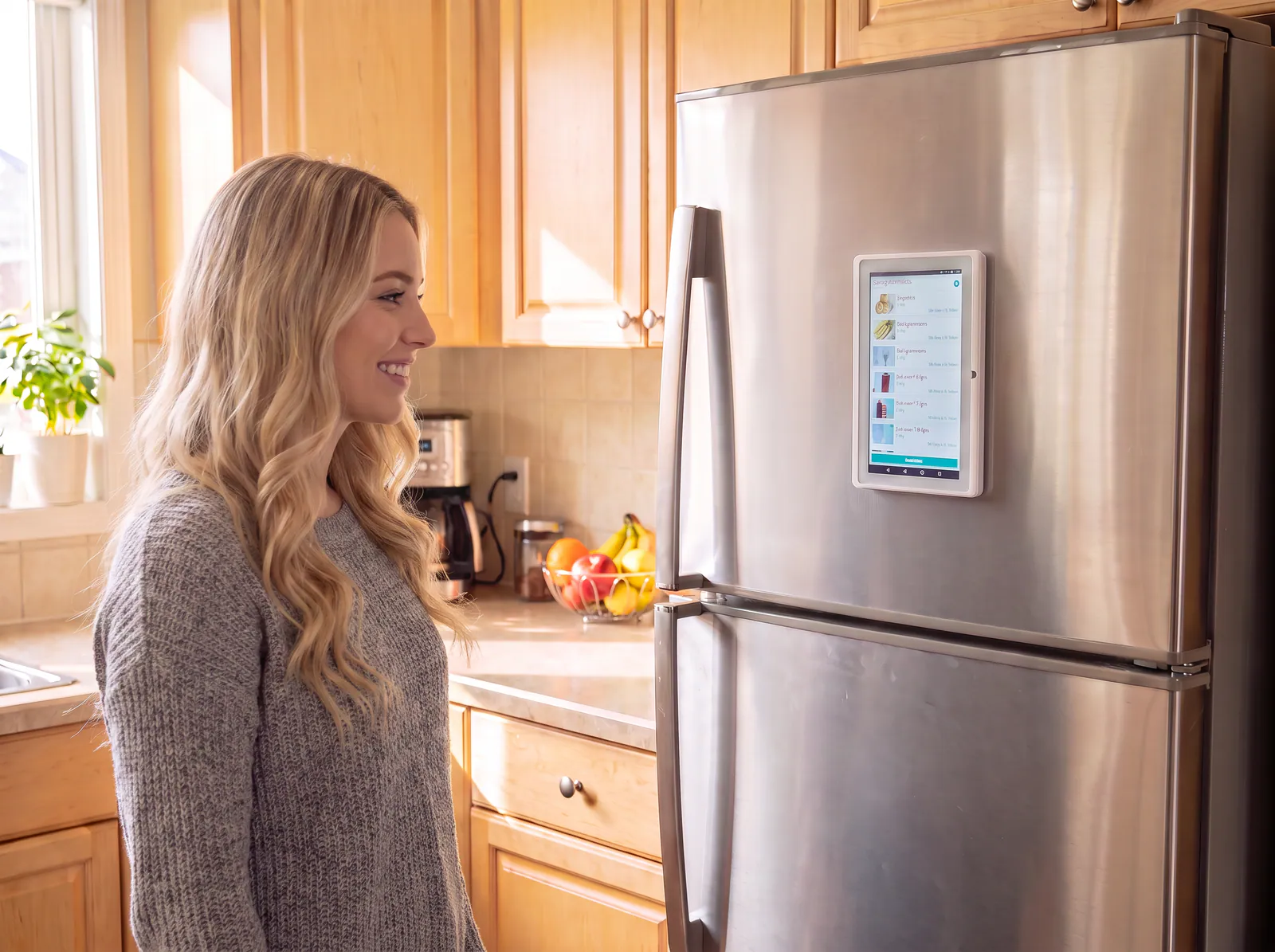
It stays visible in a shared household space, so the next item to use can be noticed naturally—without another notification competing for your attention.
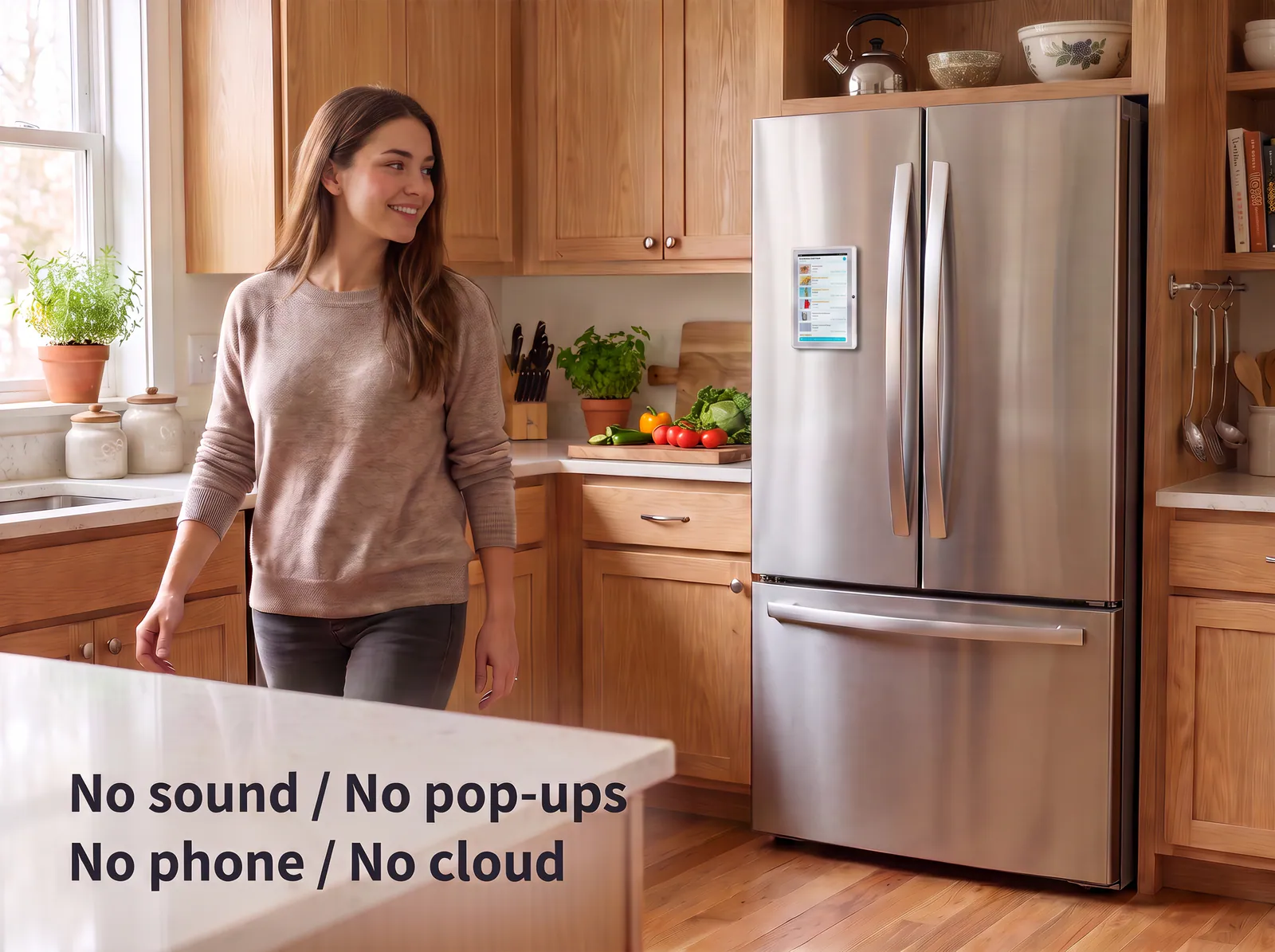
Yorastin Use-By Reminder combines quick photo recording with a dedicated, always-visible reminder list.
It does not beep. It does not send pop-ups. It does not compete with messages, work alerts, or social apps.
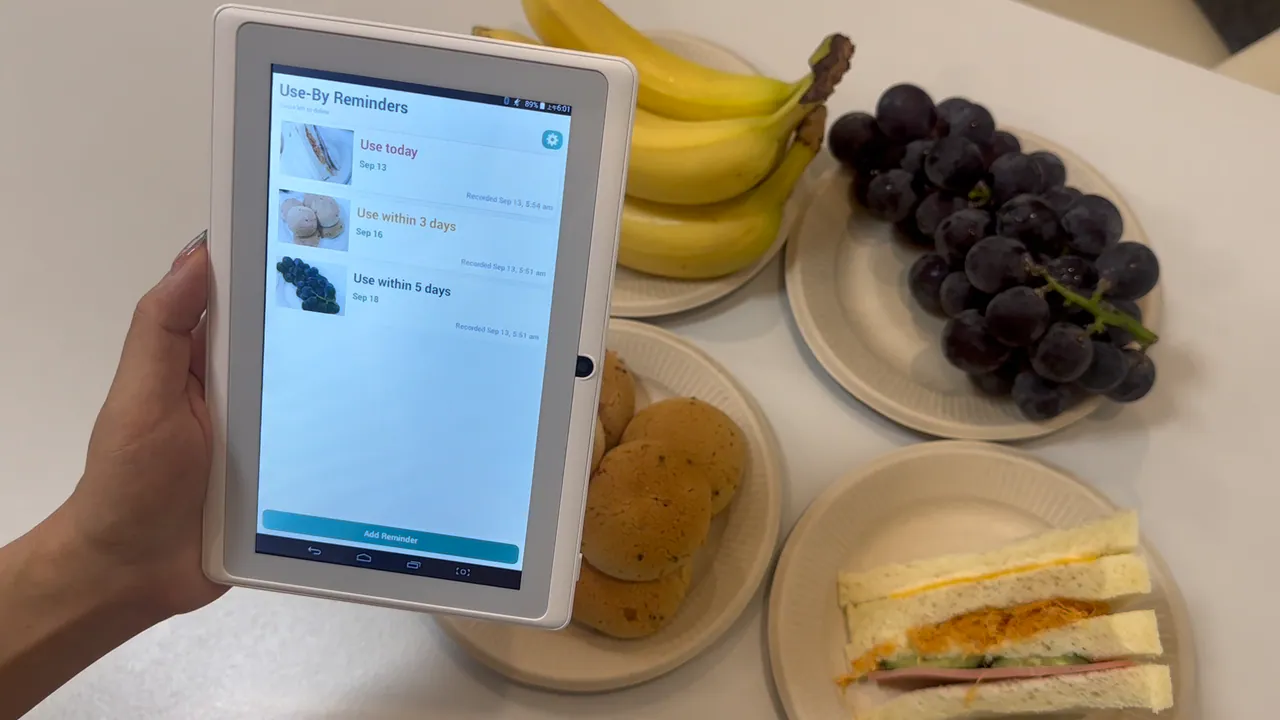
It simply keeps the dates you chose in sight, sorted by what needs your attention first.
The camera opens with ready-to-use date buttons.
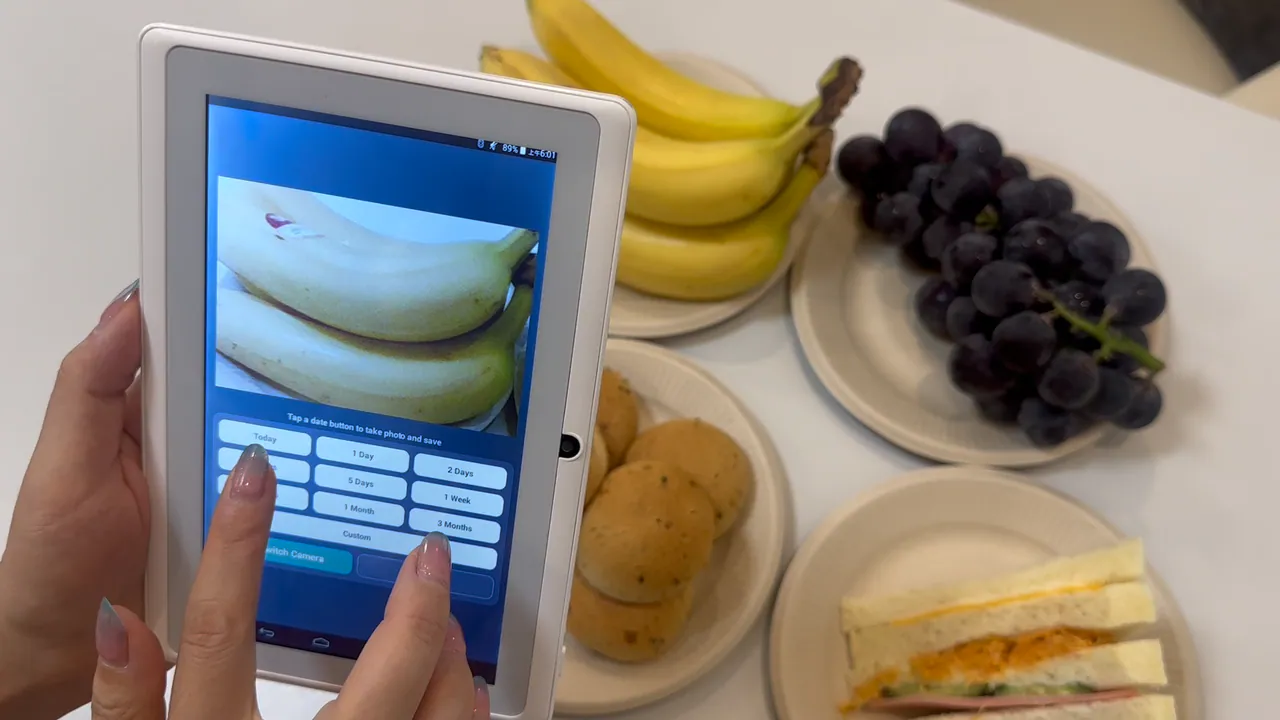
Choose Today, 1 Day, 2 Days, 3 Days, 5 Days, 1 Week, 2 Weeks, 1 Month, or 3 Months. Each date button also acts as the shutter button.
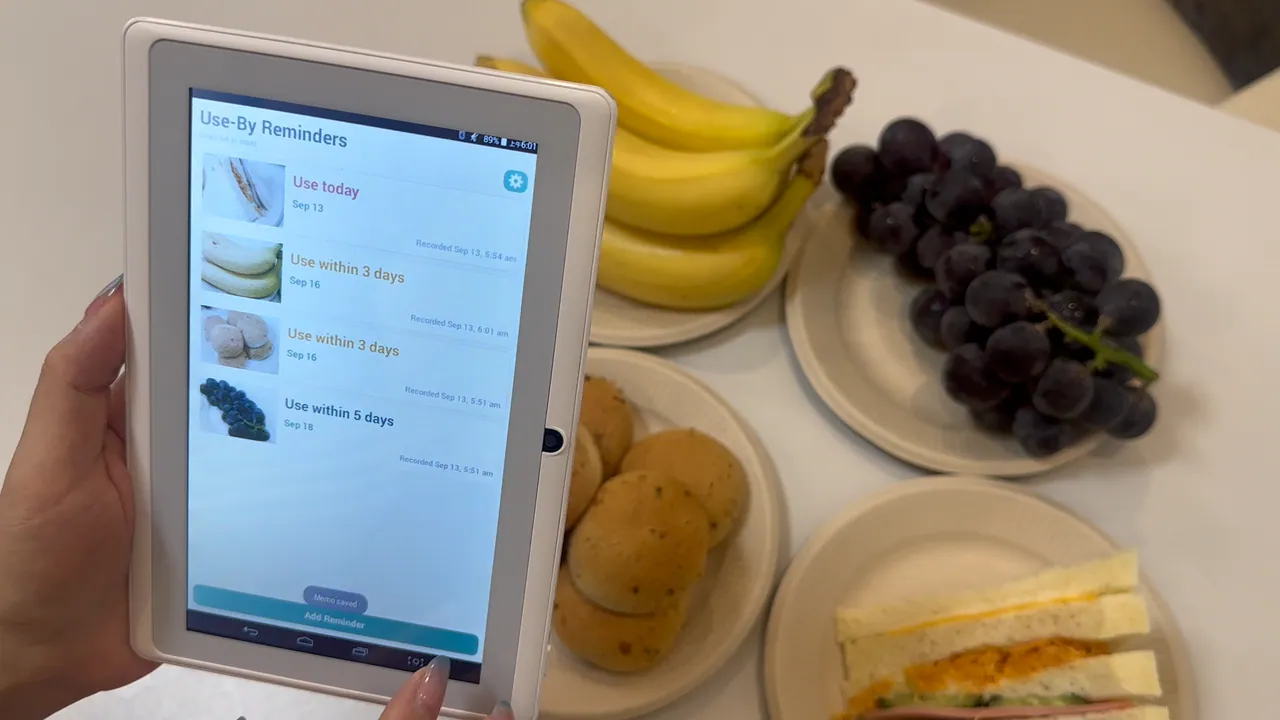
The device takes the photo, saves the date, and returns to the reminder list automatically.

Bought bananas you want to use within three days? Tap Add Reminder, point, tap 3 Days, and put the device back on the refrigerator. No item name to type. No form to complete. No save button to find.
Need a different date? Tap Custom, take the photo, and choose a date from the calendar.

Finished it? Swipe left to remove it.
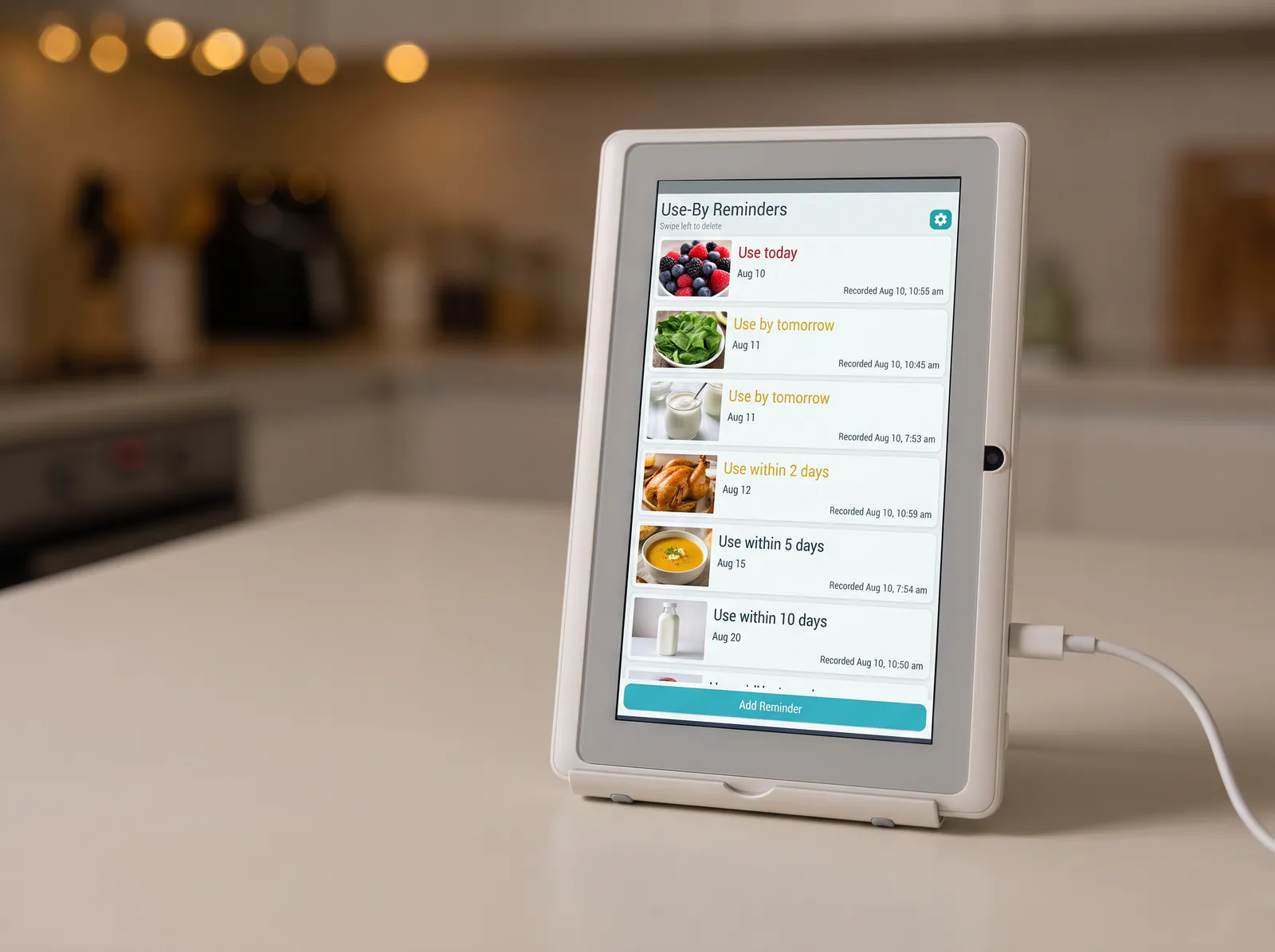

Reminders are automatically sorted by the date you selected.
As time passes, the wording updates automatically—from “Use within 3 days,” to “Use today,” to “1 day overdue,” “2 days overdue,” and beyond.
When you have used the item, swipe left on the home screen or delete it from the detail page.
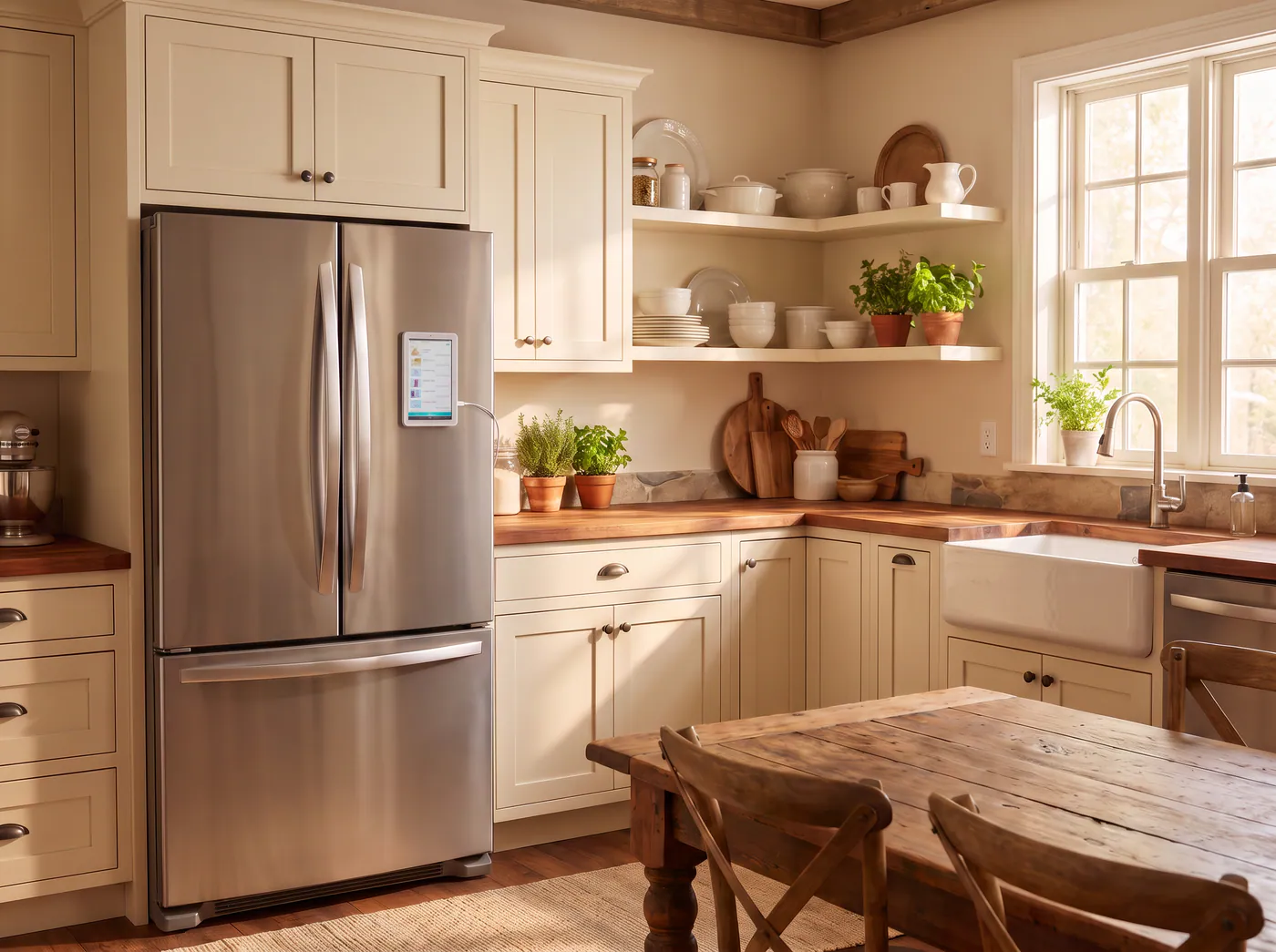
Strong magnets hold the device on compatible refrigerator doors.
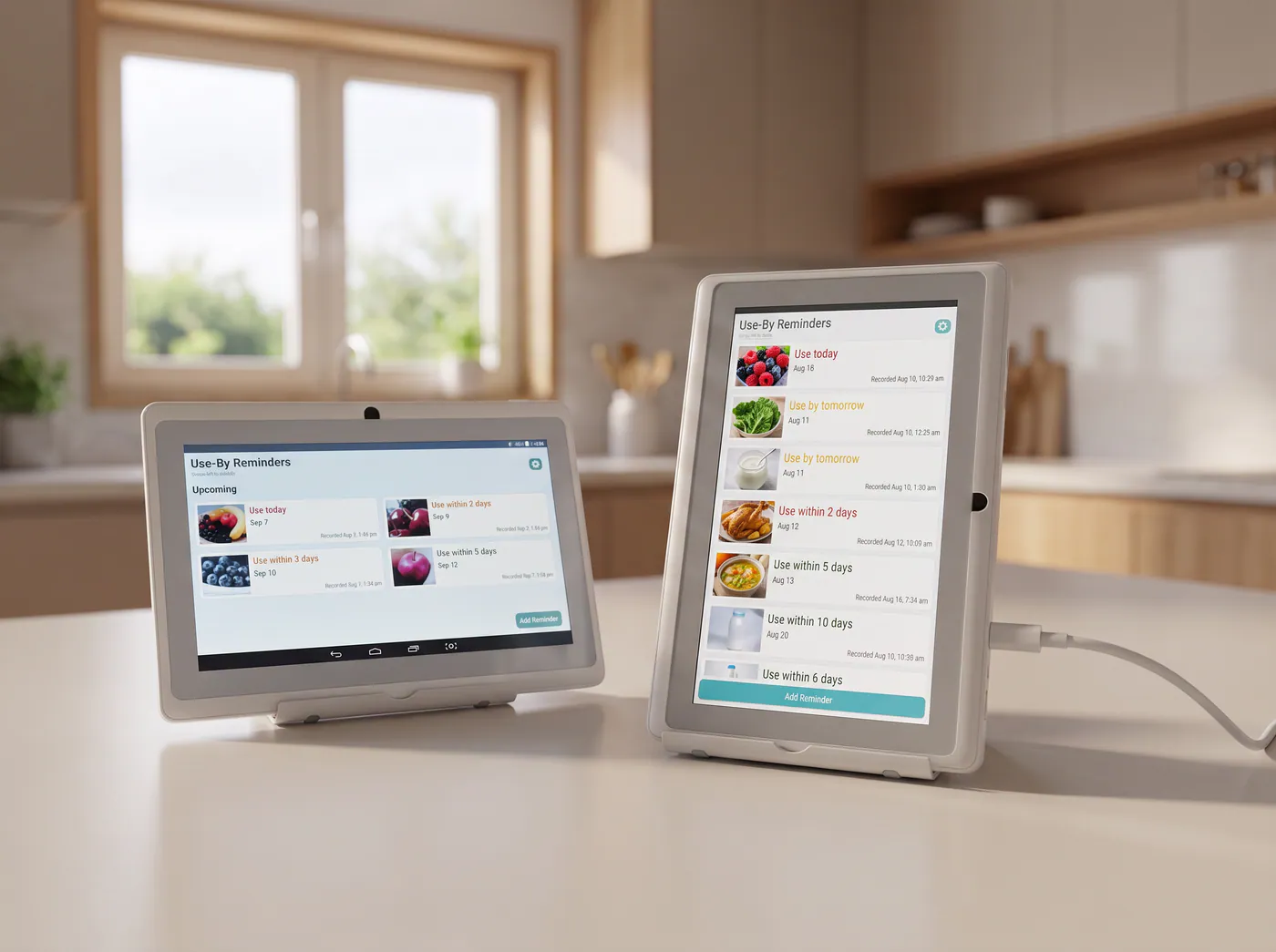
The included stand lets it sit on a counter, shelf, or table.
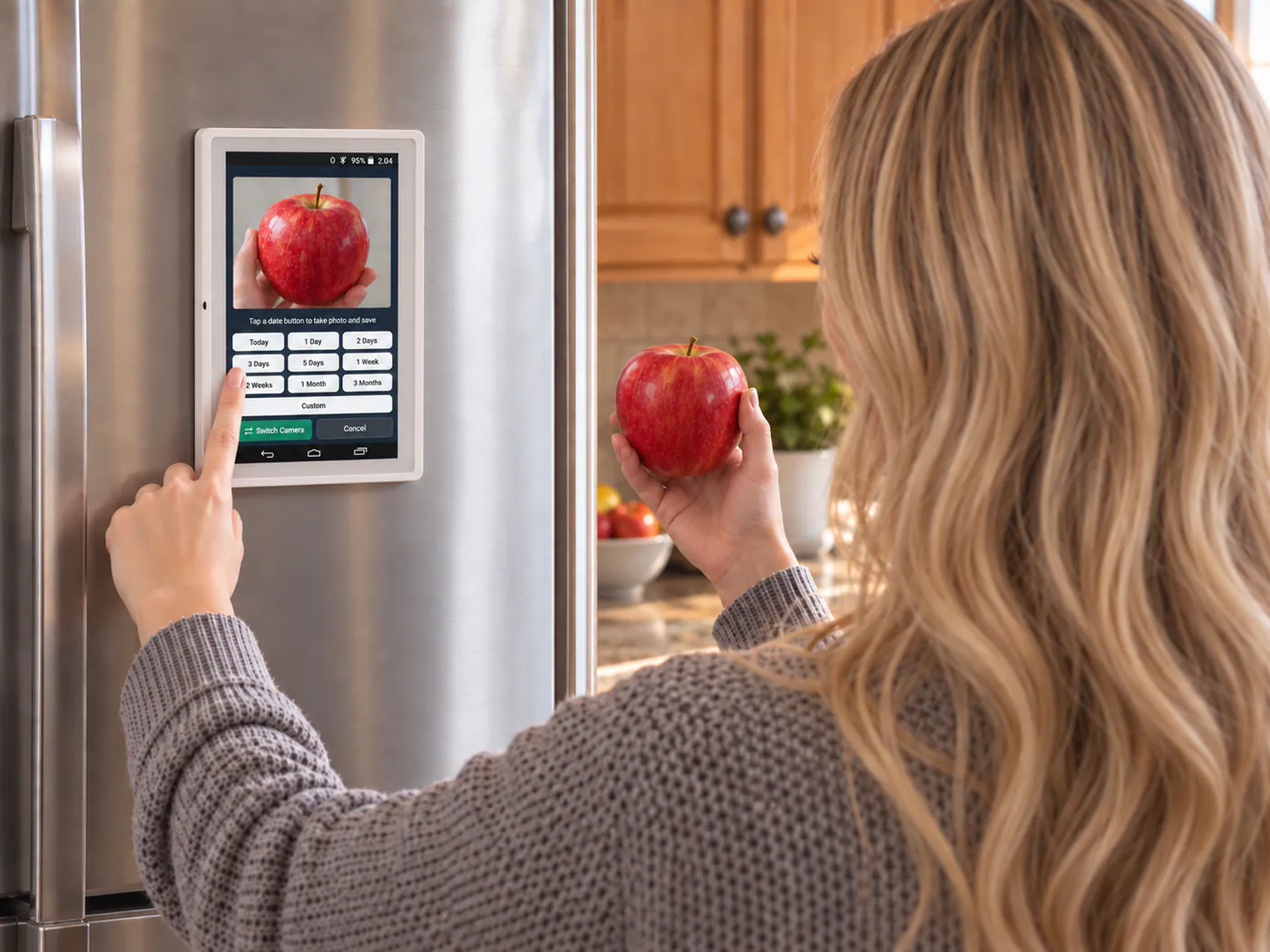
For a quick reminder while the device is mounted, switch to the front camera.
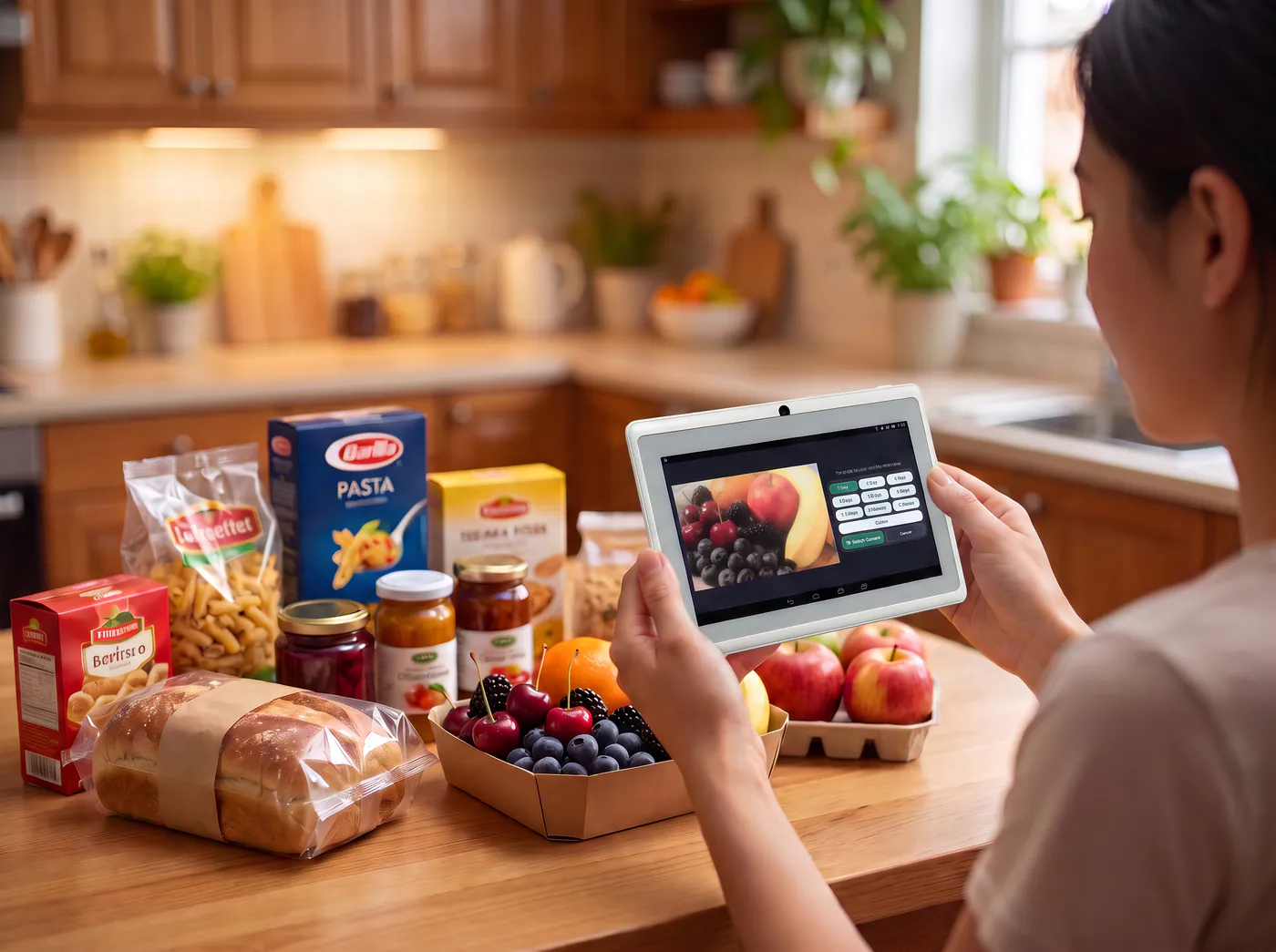
For a larger grocery or meal-prep session, unplug it, lift it from the refrigerator, and use the rear camera to record several items before placing it back.

Open any reminder, tap the print icon, and create a clear 40 × 30 mm thermal label with:
The printer uses widely available thermal adhesive labels, so there is no ink cartridge to replace.
The main device is printer-ready. Choose the Printer Bundle now, or add a compatible Yorastin printer later.
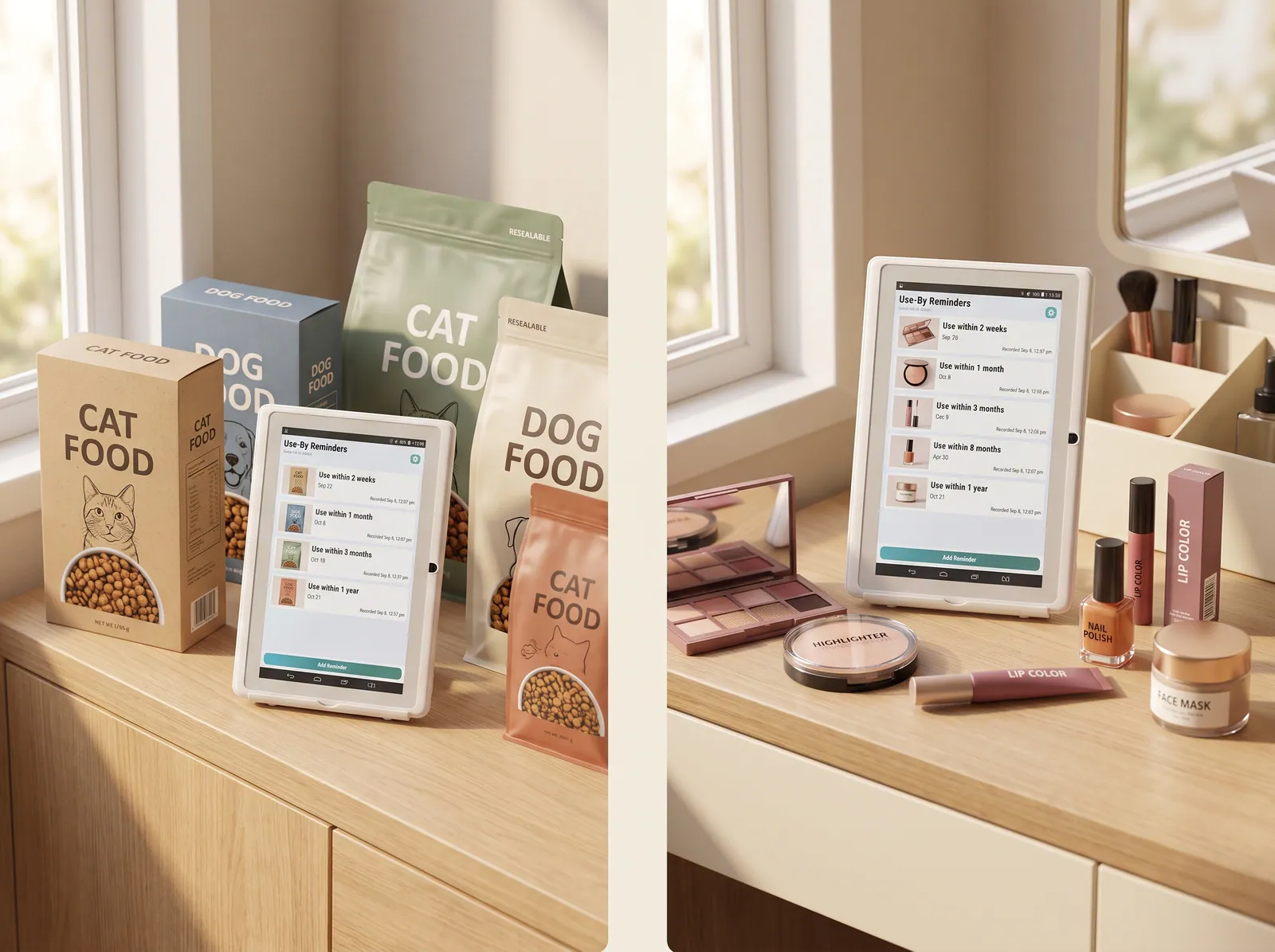
Besides food, the Use-By Reminder can also be used for other items that you need to be reminded about before they expire.
Yorastin is a date-reminder tool, not a food-safety, medication-adherence, or medical device. Always follow the manufacturer’s instructions and use your own judgment.
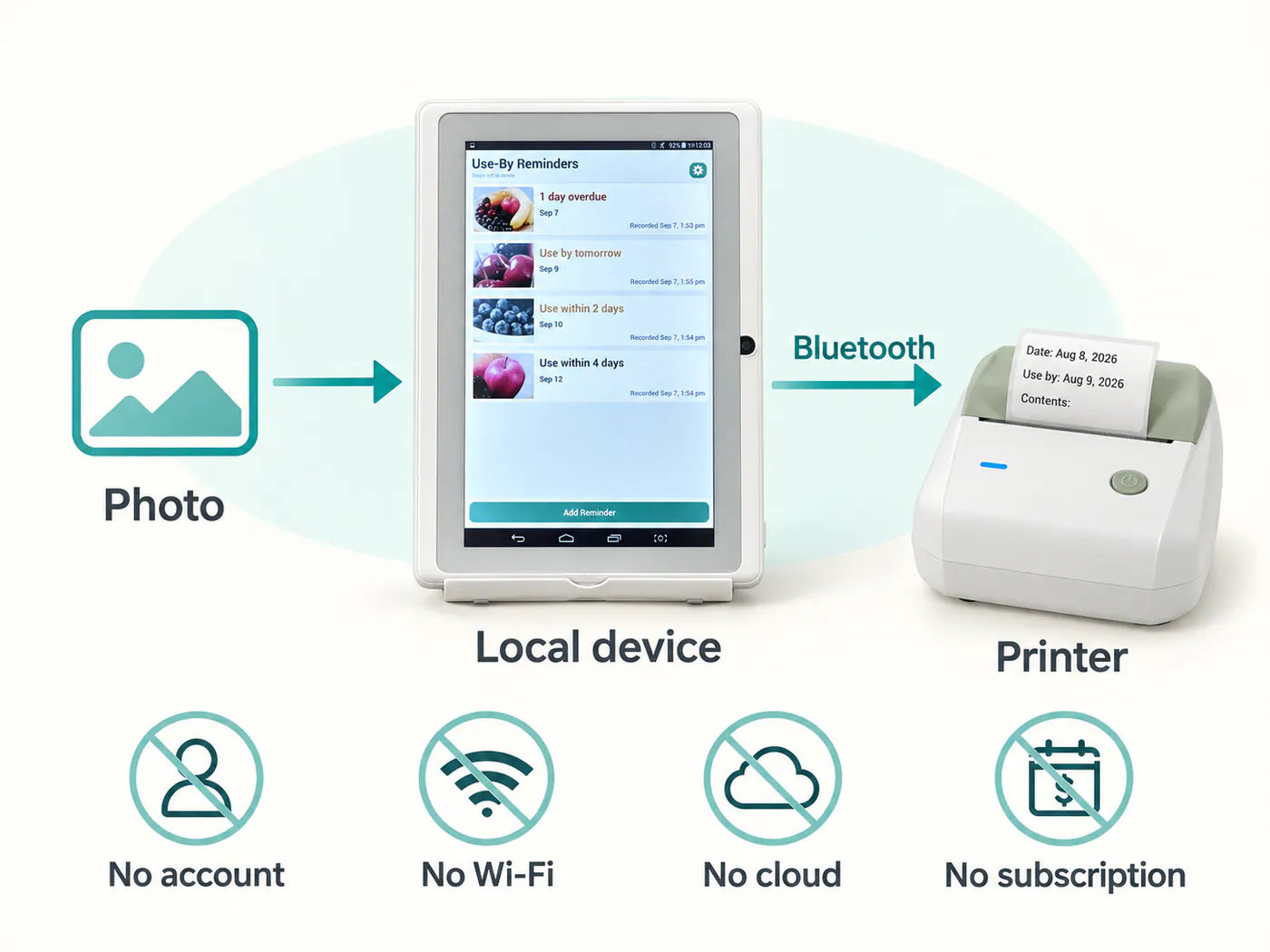
Yorastin Use-By Reminder is designed to work without an account, Wi-Fi connection, cloud storage, or subscription.
Photos and reminder records are stored locally on the device. Bluetooth is used only to connect the compatible label printer.
There is no routine upload, cloud sync, or phone transfer in normal use.

Yorastin does not make sounds or send active alerts when a date arrives.
That is intentional.
We wanted a reminder that becomes part of the home—not another notification that follows you into work, sleep, and every other part of the day.
The screen quietly keeps the next dates visible. You notice them when you are already near the refrigerator and able to do something about them.
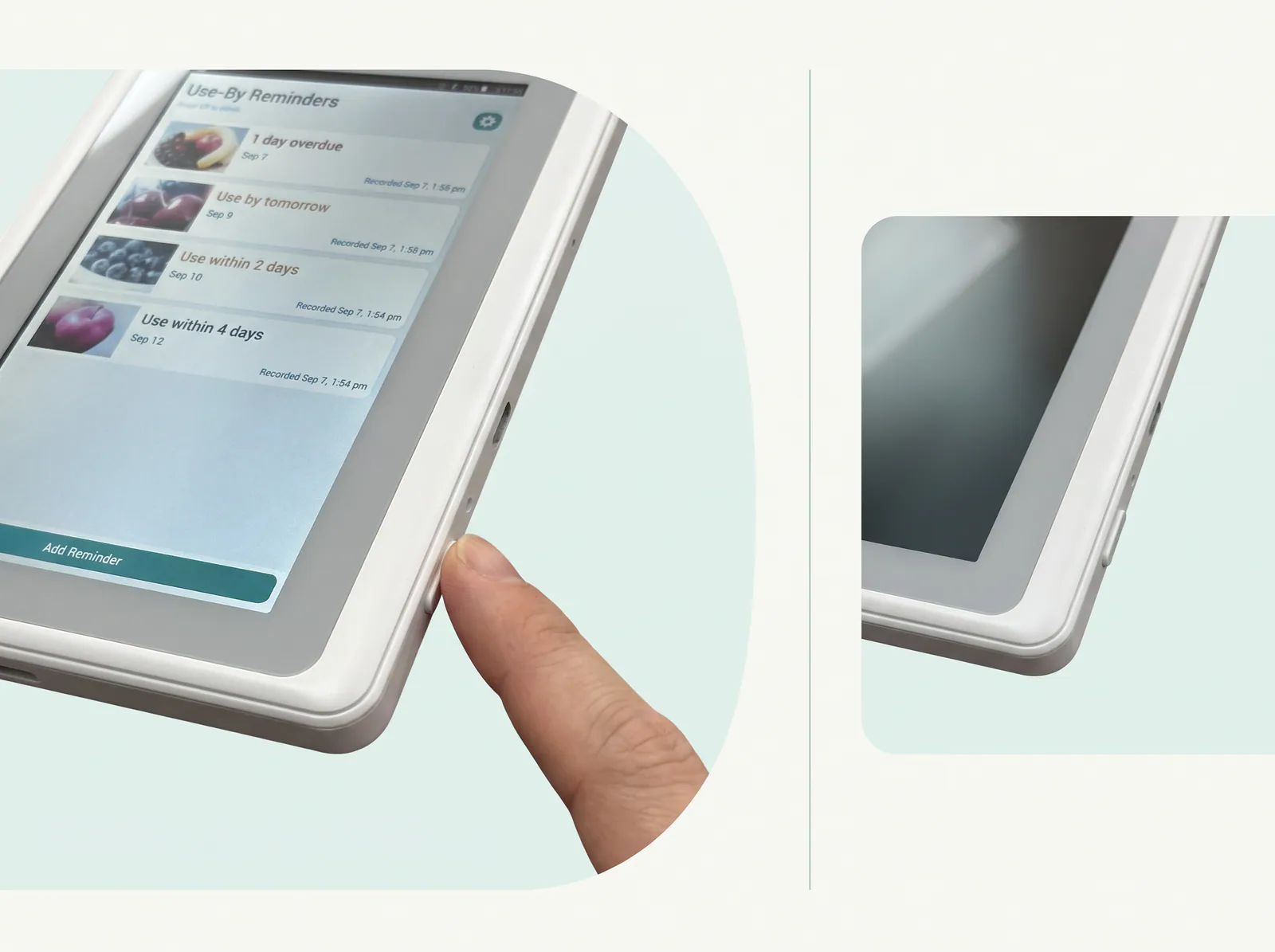
For refrigerator-door use, we recommend keeping the device connected to power with the screen on.
Press the physical power button once to turn the screen off, and press it again to wake the display. With the screen off between checks, the prototype can operate for more than three days on battery power; final runtime will vary with use.
Reminder records remain stored if the battery runs out, and dates continue to track correctly when the device is powered again.
A 2-meter USB cable is included. A wall adapter is not included. Use a standard 5V USB power adapter rated up to 10W. PD fast charging is not supported.
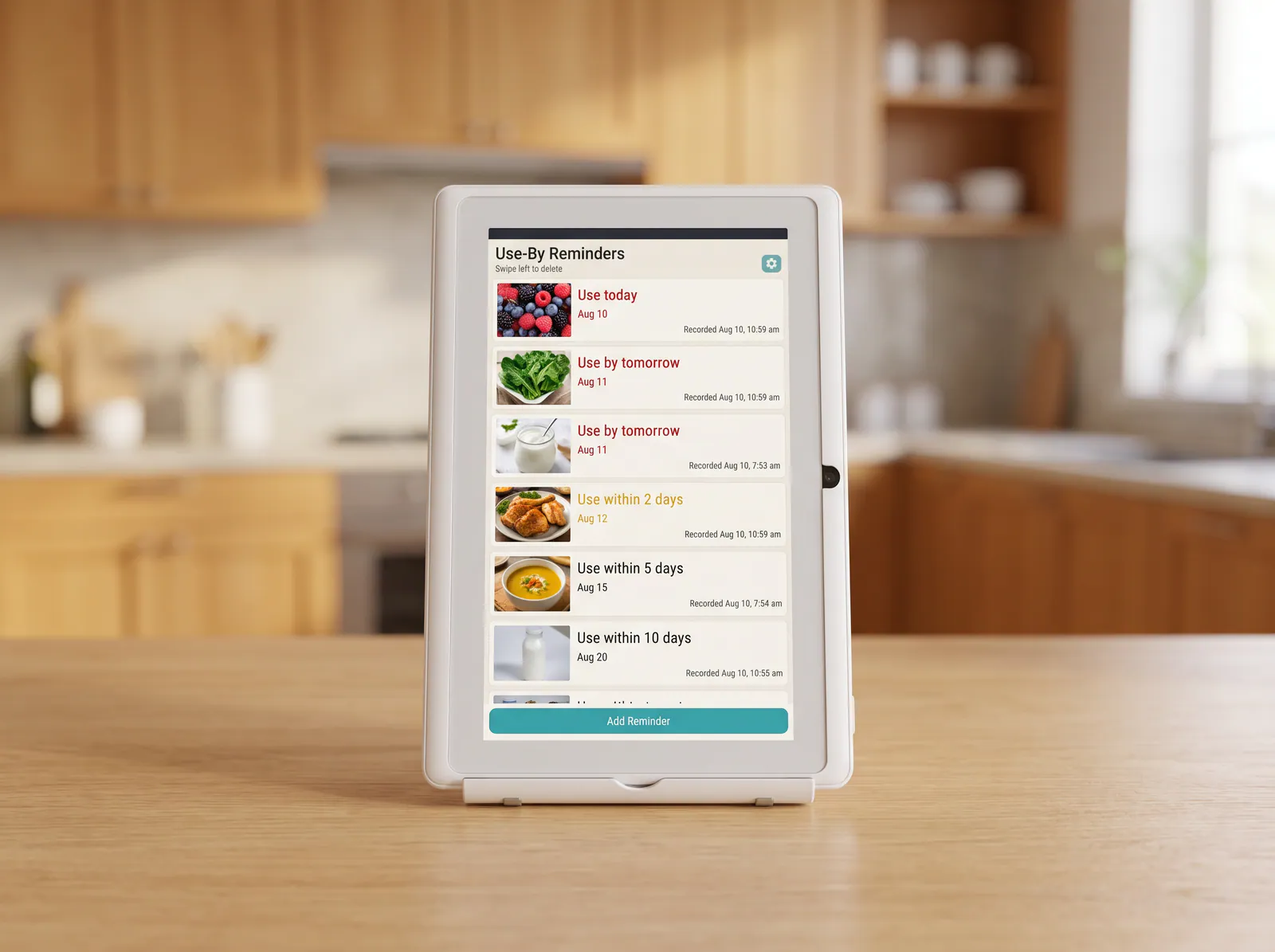
Yorastin does not estimate shelf life, judge freshness, read package dates automatically, or tell you whether something is safe to consume.
You decide the reminder date based on the package instructions, the date you opened or prepared the item, and your own judgment. The device records that choice and counts the days for you.
Reminders use whole-day precision. For anything measured in hours, the closest available option is Use today.